
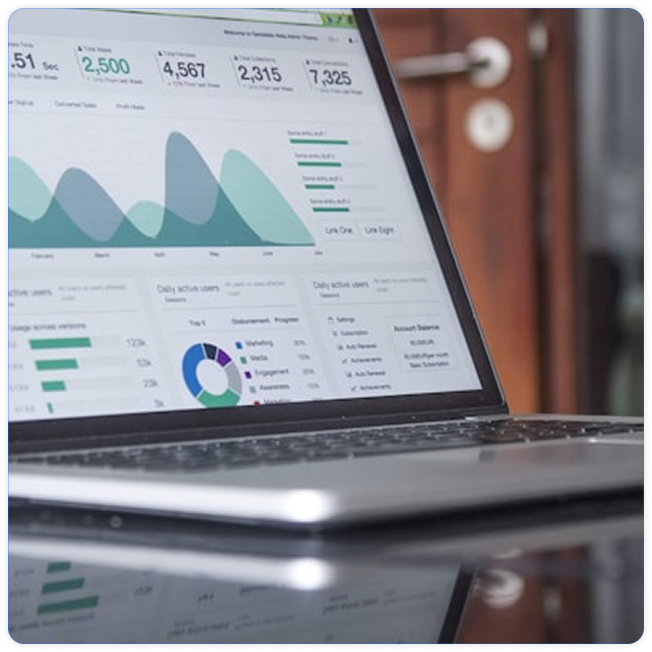
WSH Views Counter PRO dashboard inside WordPress
WSH Views Counter PRO

WordPress Post Views Counter & Advanced Analytics

Track WordPress post views and discover which content performs best. Get real-time analytics, referrer and geo insights, popular and trending content, WooCommerce funnels, exports and advanced bot protection - directly inside WordPress.

Already using WSH Views Counter Free? Upgrade to PRO without losing your existing view data.

More than a counter

More Than a Simple WordPress Post View Counter

You should not need a separate analytics platform just to understand how your WordPress content performs. The free plugin already counts views. PRO adds the reports editors actually open: sources, places, what is popular right now, and product funnels. It can sit next to Google Analytics. It does not replace every kind of web analytics.

  • See which posts are popular now, not only the all-time total.
  • Compare authors, categories and time ranges inside WordPress.
  • See referring sites, search and social from the same dashboard.
  • Spot a spike while a story is still moving.
  • Connect WooCommerce product views with add to cart and orders.
  • Keep the numbers in your own WordPress database.
Features

Advanced WordPress Post Views Analytics

The free plugin keeps counting. PRO turns those counts into reports your team can read without leaving WordPress.

Analytics

WordPress Post Views Analytics & Historical Reports

Daily, weekly and monthly charts with 1, 7, 30 and 90 day ranges. See how a post, an author or the whole site moved over time.
Geo

See Where Your WordPress Visitors Come From

Countries and cities for a post, an author or the whole site. Country lookup runs only after a PRO license is active.

Referrers

WordPress Referrer & Traffic Source Analytics

Referring domains, search, social, newsletters, direct visits and internal links, broken down by post and by day.

Real-time

Real-Time WordPress Visitor & Post View Tracking

A live panel of recent views and the posts being read now, from the hits the free plugin already records.

WooCommerce

WooCommerce Product View Analytics & Funnels

Product views next to add-to-cart and orders, so you can see what people open and what they buy.

Bots

Keep Bot Traffic Out of Your Post View Statistics

The free plugin can ignore known bots and repeat views inside the interval you choose. PRO adds further fraud controls on top of that.

Preview

A Clean WordPress Analytics Dashboard Your Team Will Actually Use

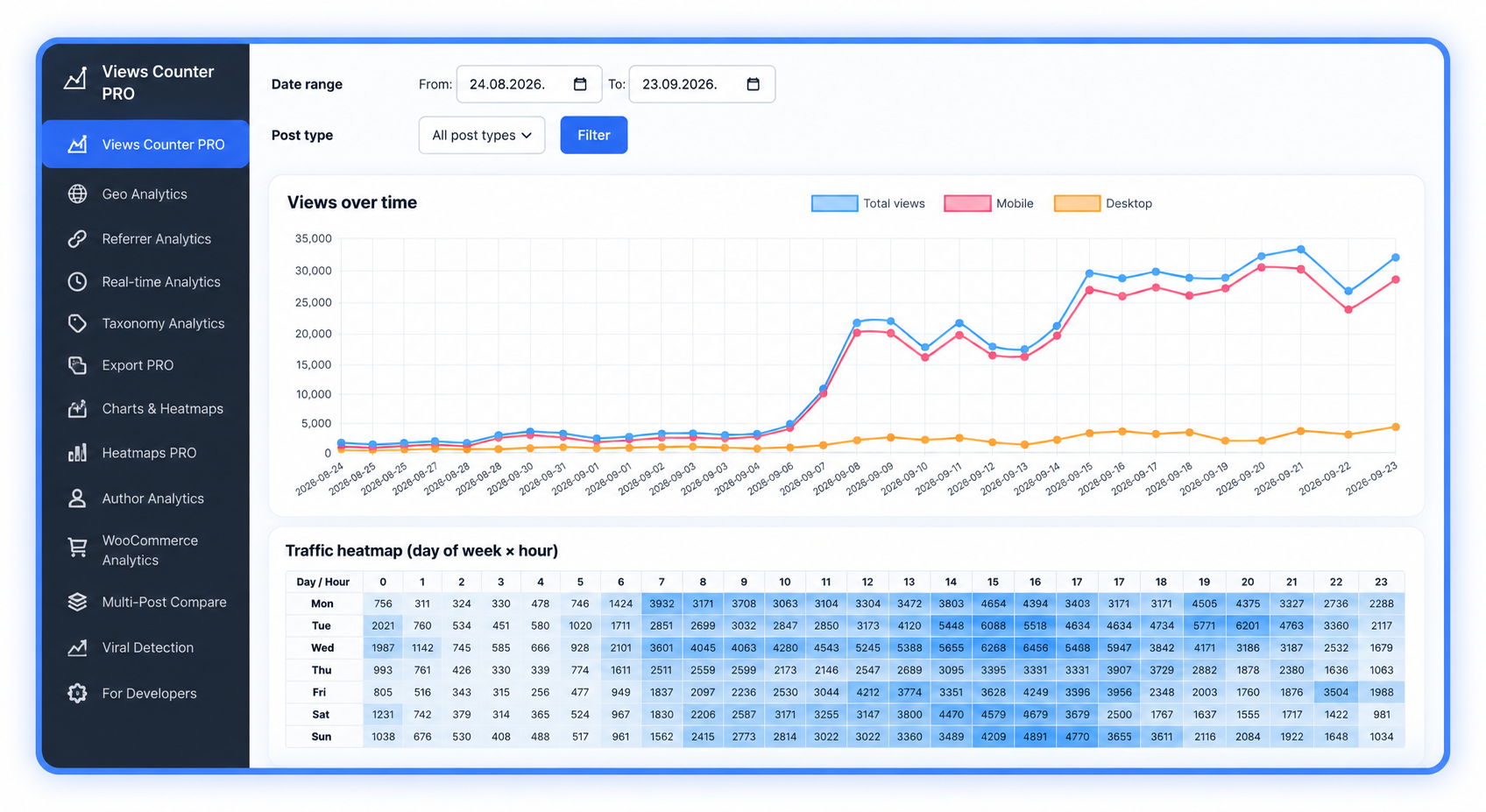
The screens below are the real PRO reports: charts, sources, places and live views. No extra ratings, and no features that are not in the plugin.

WSH Views Counter PRO reports for views, sources and live traffic
Use cases

Built for Content-Driven WordPress Sites

Made for teams that publish a lot and need the numbers next to the content.

Newsrooms and publishers

See which story is moving, which author is carrying the day, and which section is quiet.

Blogs and magazines

Keep a most-viewed list and a trending list without a second analytics login.

WooCommerce stores

Read product views next to add to cart and orders.

Agencies

One PRO license level covers the number of client sites you choose. A staging copy does not use a site slot.

Marketing teams

See which newsletter, social post or referring site actually lifted a story.

Ad-supported sites

Leave known bots out of the numbers you use when you talk about reach.

Free vs PRO

WSH Views Counter Free vs PRO

Install PRO on a site that already runs the free plugin. Existing view counts stay in your database. PRO unlocks the extra reports. It does not start the history over.

Feature WSH Views Counter Free WSH Views Counter PRO
View counts for posts, pages and products
Yes
Yes
Counting that works with page cache
Yes
Yes
Daily stats and reports by post, author and date
Yes
Yes, plus charts and time ranges
Shortcode and automatic view display
Yes
Yes
Country and city reports
No
Yes, after the license is active
Referrer reports
Stores the referring domain
Referrer reports by post and by day
Live visitor panel
Stores a short live-hit record
Live panel in wp-admin
WooCommerce funnel reports
Stores product, cart and order events
Funnel reports
Export
No
CSV export
Popular and trending widgets
No
Widgets and blocks
Spike and trending detection
No
Yes
Developer access
No
REST API and JavaScript events
Bot filtering
Known-bot filter and repeat-view interval
Those, plus extra fraud controls
Why PRO

Why Choose WSH Views Counter PRO?

A basic view counter stores a total. PRO is the reporting layer for sources, places, trends and product funnels, still inside WordPress.

Feature WSH Views Counter PRO Basic view counter
A running view total
Posts, pages and products
Reports by date, author and category
Built into wp-admin
Countries and cities
After the PRO license is active
Referring sites and traffic sources
Referrer reports
What is being read right now
Live panel
WooCommerce view-to-order funnel
Views, add to cart and orders
Export
CSV download from wp-admin
Popular and trending blocks
Widgets and blocks
Pricing

WordPress Post Views Counter PRO Pricing

Annual licenses for 1 site, 5 sites or 25 sites. The price on each card is the live subscription price, with updates and support for the year.

Single

$79.00$27.00 / year

Perfect for a single blog, portal or WooCommerce store.

  • Use on 1 WordPress site
  • All PRO features included
  • 1 year of updates & support
Buy Single
MOST POPULAR

Business

$149.00$47.00 / year

Best choice for agencies, publishers or multi-site owners.

  • Use on up to 5 WordPress sites
  • All PRO features included
  • Priority support for editors & admins
Buy Business

Agency

$249.00$87.00 / year

For serious agencies, networks and hosting partners.

  • Use on up to 25 WordPress sites
  • All PRO features included
  • Best price per site as you scale
Buy Agency
FAQ

Frequently Asked Questions About WordPress Post Views

It records how many times a published post, page or product is viewed, and shows that number inside WordPress.

Install WSH Views Counter, choose the post types you want, and the plugin counts a view after the page loads. You can show the number with the shortcode or with automatic display.

Yes. The count is a small request after the page has loaded, so a cached page can still be counted.

Turn Your WordPress View Counts Into Actionable Content Analytics

Pick the license that matches how many sites you run. If the free plugin is already installed, PRO uses the counts you already have.